Process: Beauty from Chaos

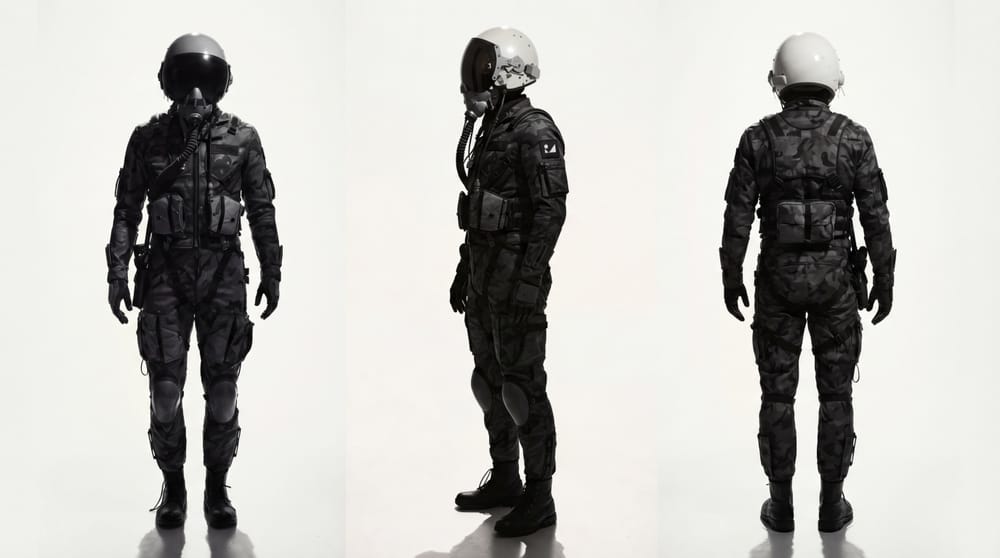
The public short film is Beauty from Chaos.
Where it started
We originally planned to build the whole piece in 3D — Houdini + After Effects. That was before a long client stretch (Battlefield 6 / EA) that took most of a year.
We’d already been poking at AI, but it didn’t feel good enough for us to go all-in. After that job, summer 2026, we came back to it properly.
Finding the workspace
We tried a stack of platforms: Weavy → ComfyUI → Higgsfield → Luma Labs.
What stuck first was Luma — it felt closest to Figma, but with image generation inside the board. Their agent chat also let us reference earlier work instead of writing lonely Midjourney-style prompts from scratch.
So we built the storyboard as images first.
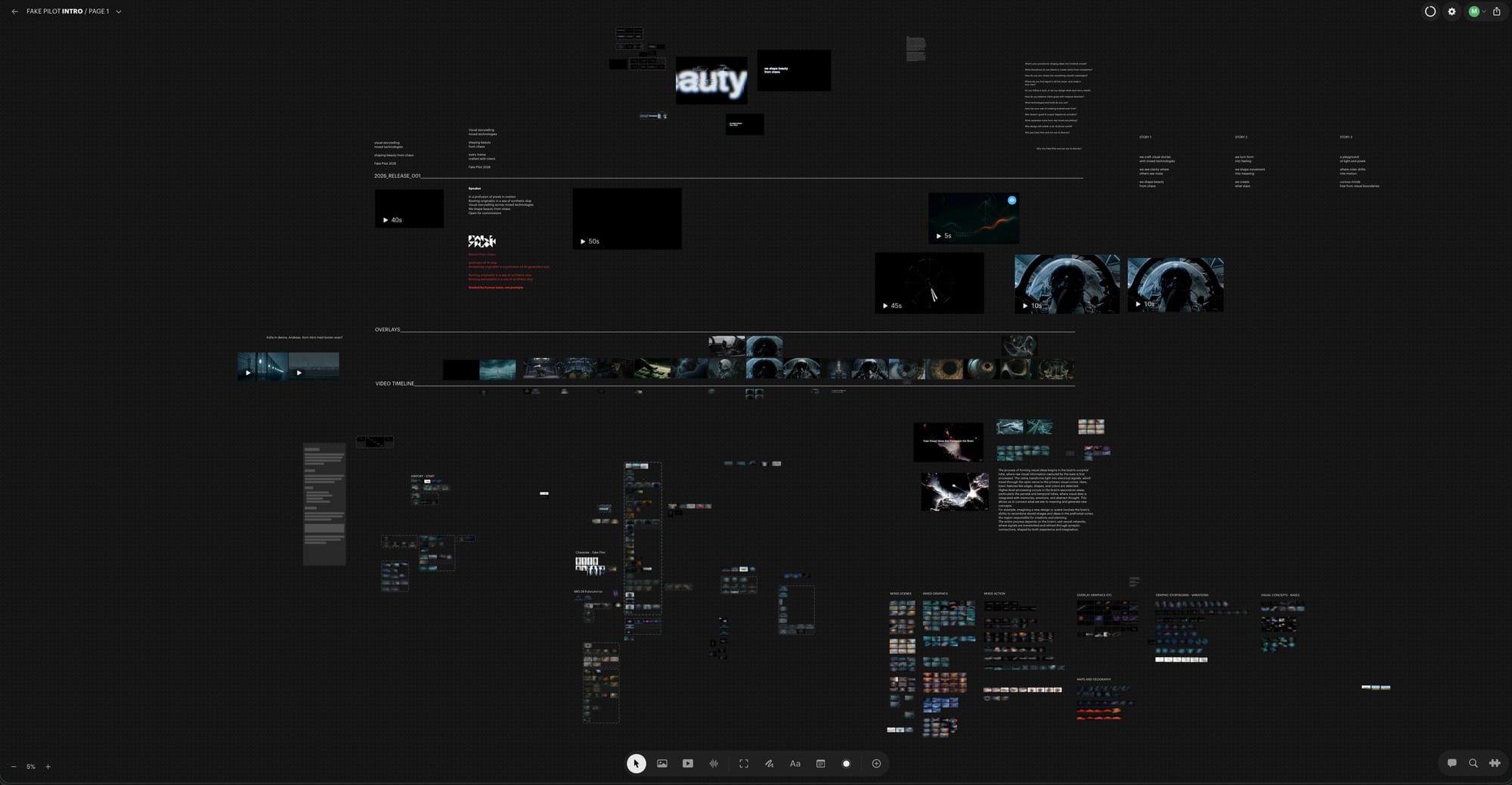
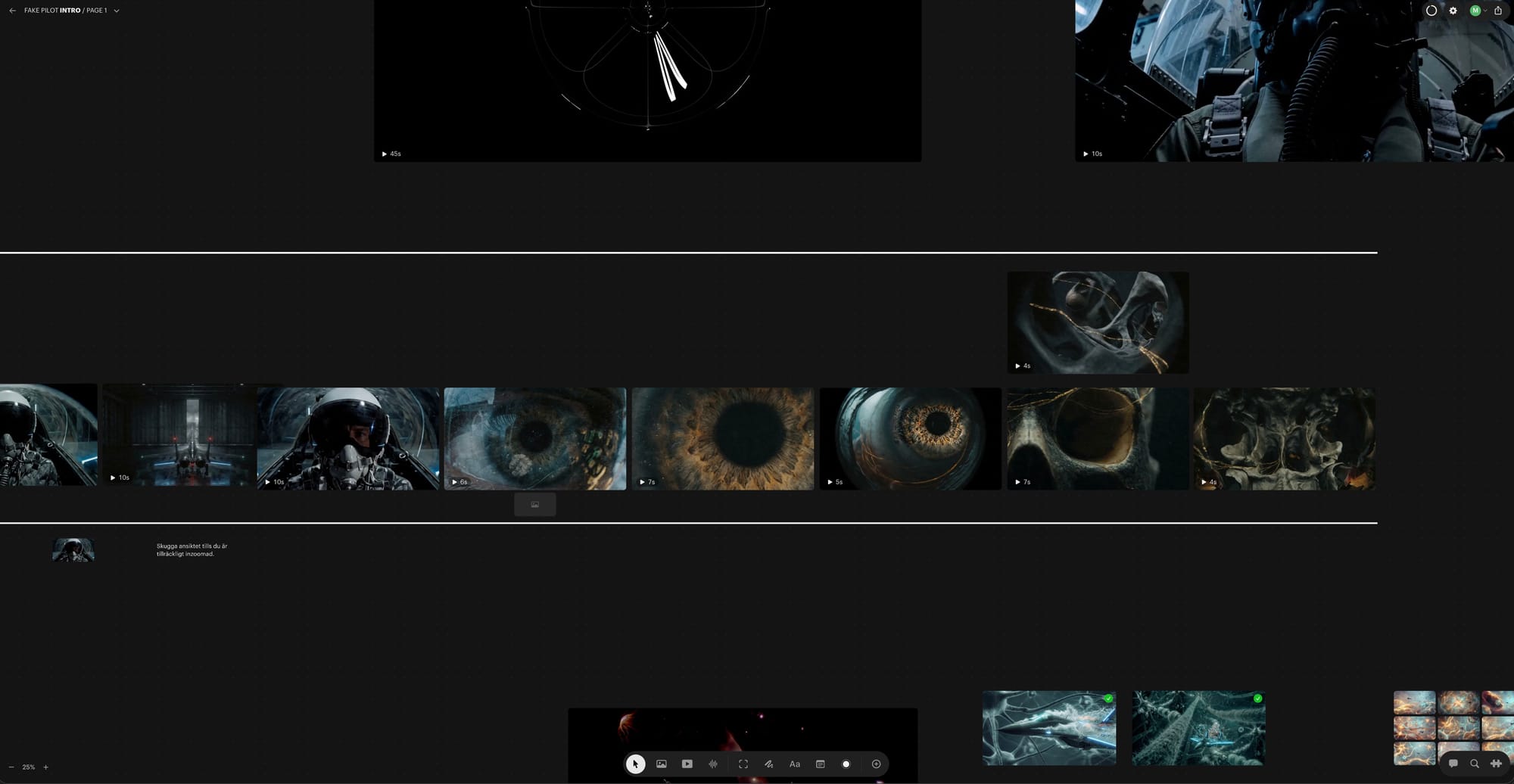
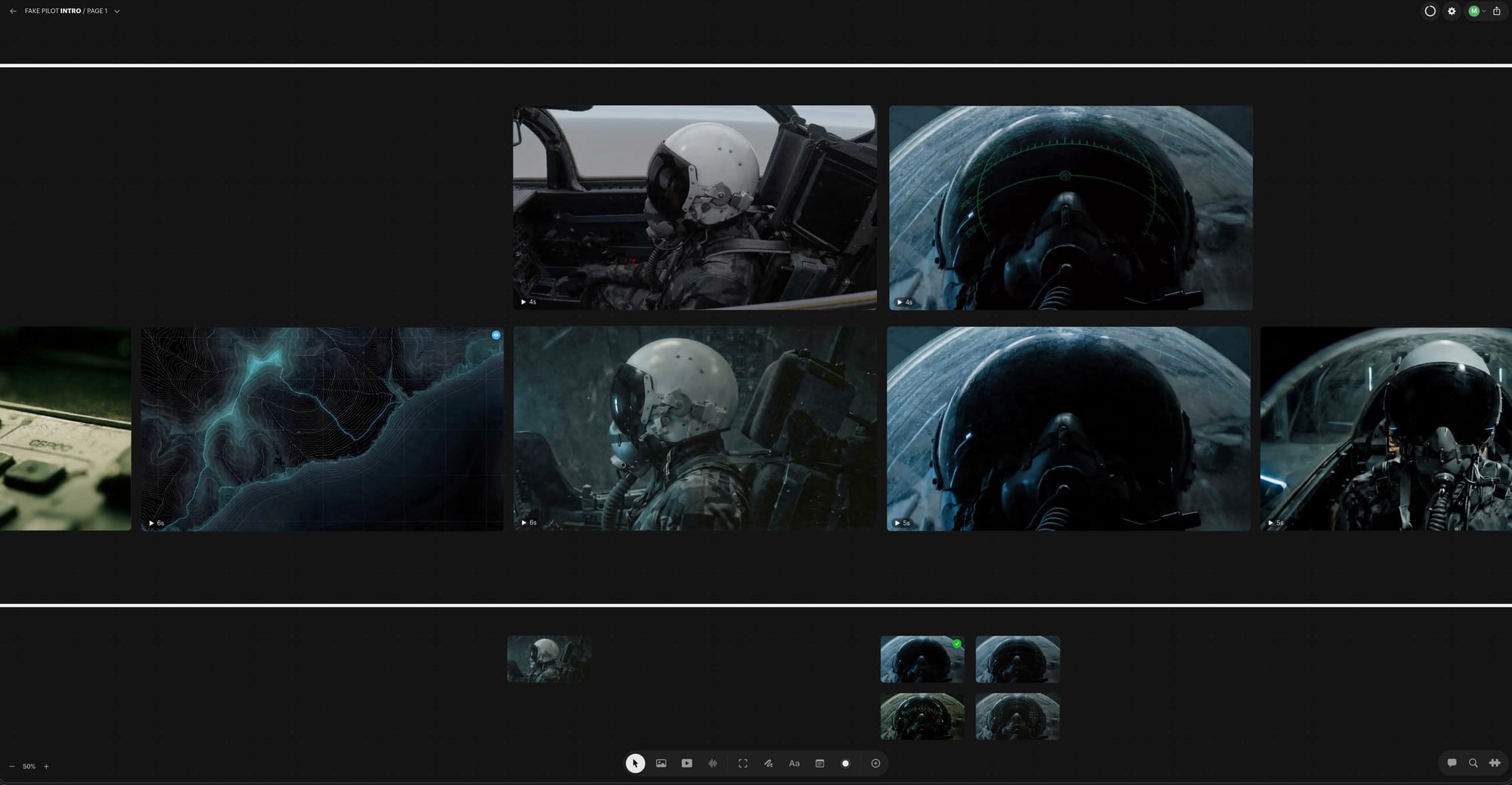
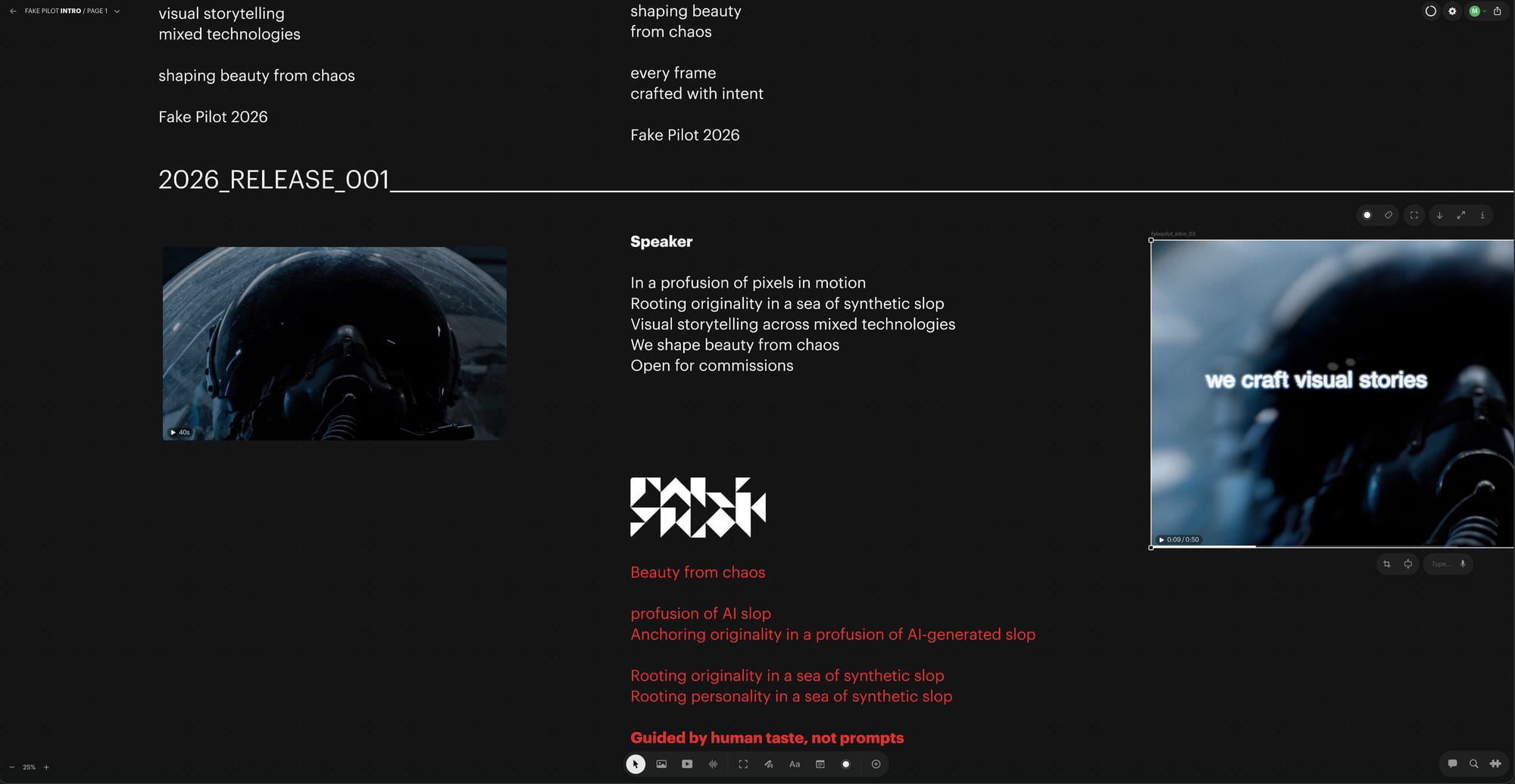
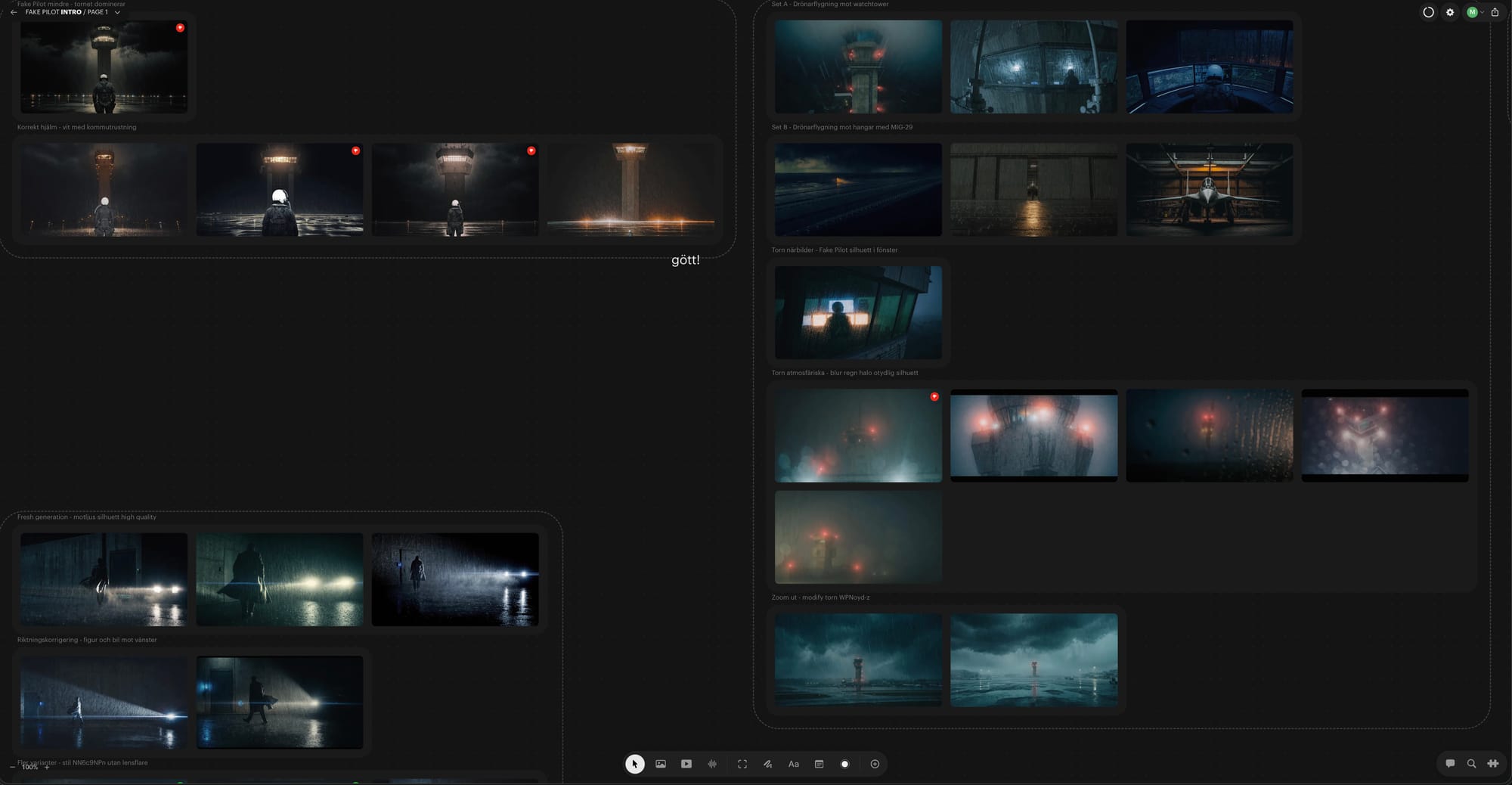
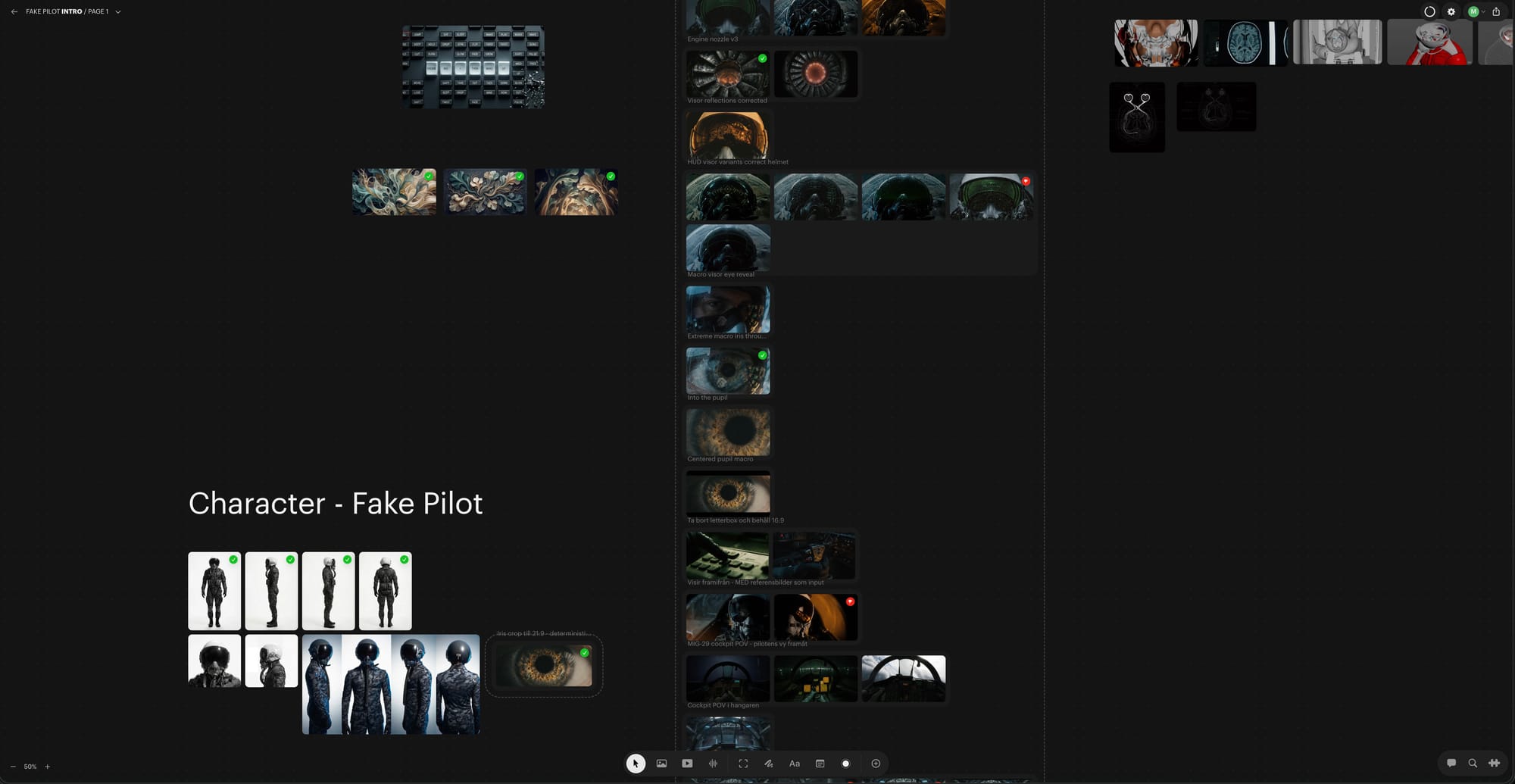
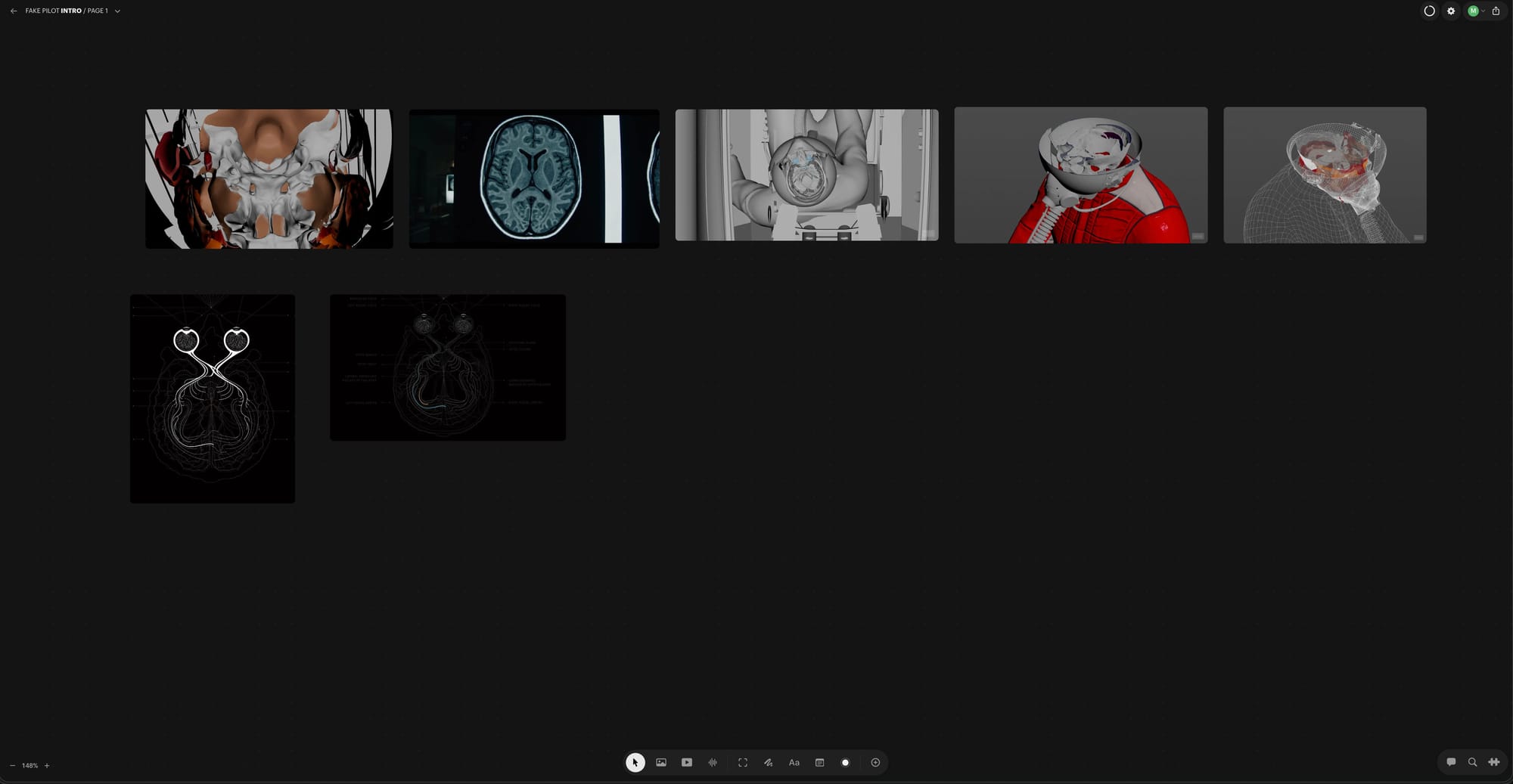
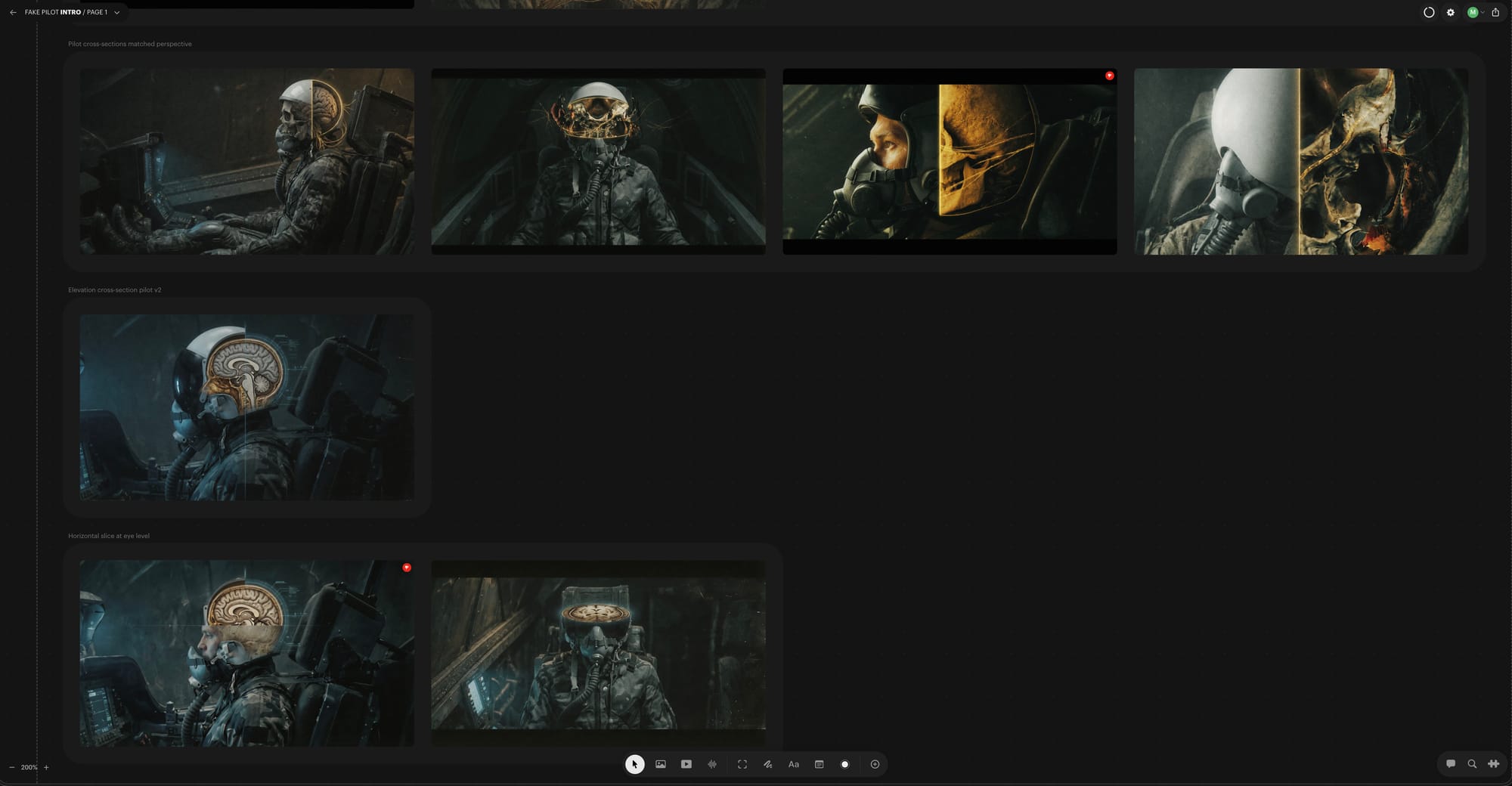
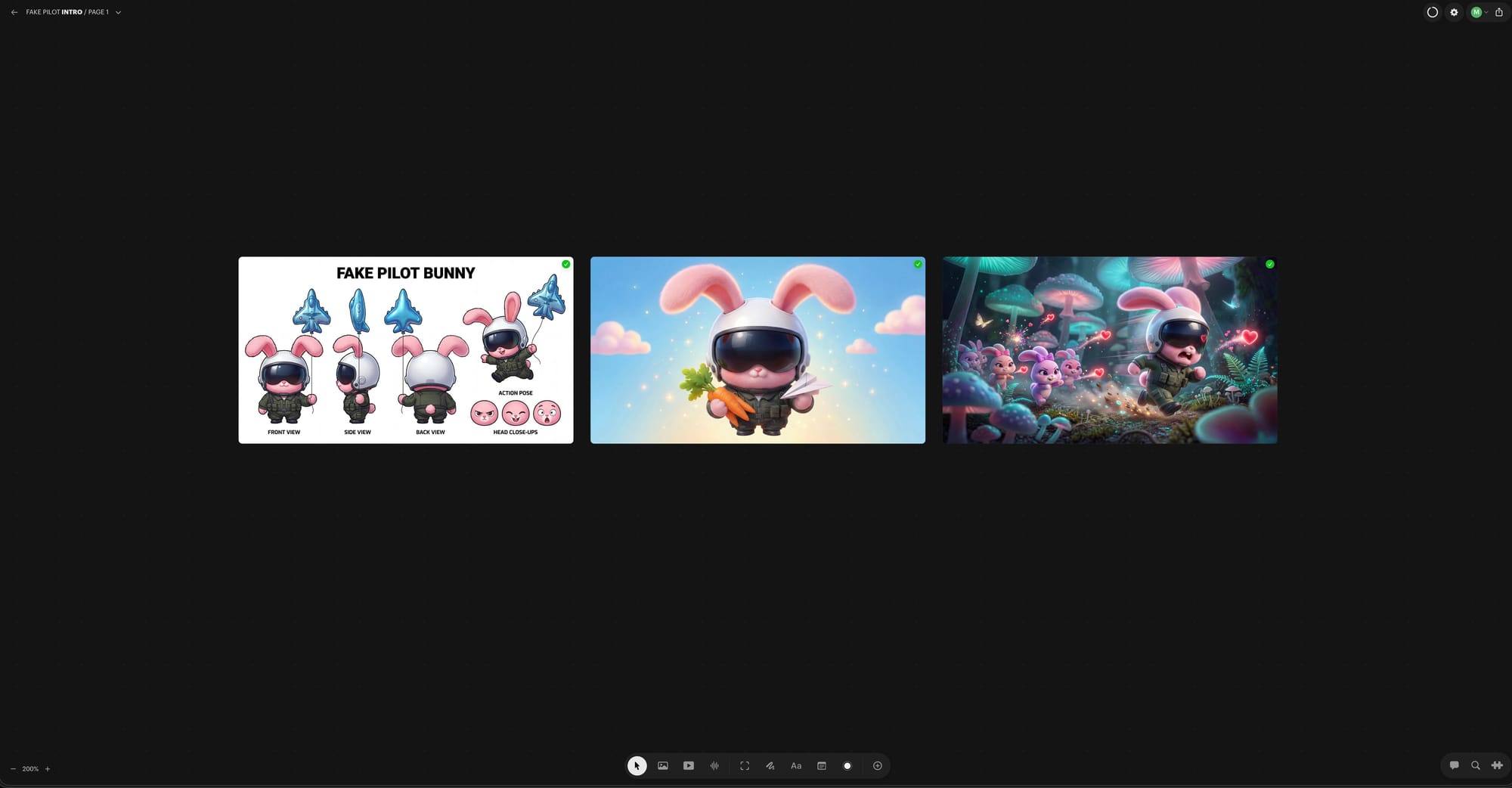
Beauty for Chaos - Luma Labs board
Ambition check
The first idea was huge: Fake Pilot arrives at a rainy airport, climbs into a MiG-29, punches through a sky portal, then drifts through dream worlds.
Cool. Also: months of production before launch.
We cut the scope.
Shorter films, more often.
Better match for how fast AI moves — and for attention spans trained on social media.
Roles + tools that actually worked
We tried video inside Luma, but credits burned fast, and the agent loved “helping” a bit too much for endless videos.
We split roles:
- Mattias → video / assembly
- Andreas → early design + concept + critique / feedback
For stills we needed strong start + end frames per shot. Early edit tools (Nano Banana-style iterations) often degraded quality after each pass. GPT Image 2.0 held up better for controlled changes.
For video we landed on Seedance 2.0 — clearly ahead for us, especially because it takes audio + multiple images + video refs.
To stretch credits we ran Seedance across Weavy, Luma, ComfyUI, and Higgsfield (annual plans teach expensive lessons).
Tip for Co-Pilots: for generation cost, look at Kie / Fal via MCP instead of locking into one yearly platform. We’re increasingly running generation from Cursor with MCP hooks to Higgsfield / ComfyUI — less tab-hopping, more directing.
🎬 Edit, music, finish
Editing started in After Effects, then moved to DaVinci Resolve Studio (free version exists). Resolve’s AI upscale let us feed 720p Seedance clips and push them in-timeline.
Seedance often baked voice into shots — we isolated / cleaned that when needed. Then we decided the film needed music + voice that didn’t sound like a stuck-up robot.
We wrote a song instead and produced it in Suno. Many versions later we found one. Lyrics were written together on the Luma board while talking on WhatsApp — and the track became a statement of what Fake Pilot is.
With song + voice locked, the final loop was:
generate scenes (Seedance / Higgsfield) → cut in Resolve → motion pass in After Effects (glitch) → logo in Houdini.
The shortened F mark came from Andreas — it reads like origami — so the logo end is a simple fold animation in Houdini, rendered out.
After Effects Plugins
- Ripple | Added the built in effect Ripple, to match the first sound wave, at around 20 seconds.
- Autofill | For the texts, they "write out" with the help of this paid plugin.
- Deep Glow | This one costs money, but could use any glow effect, really.
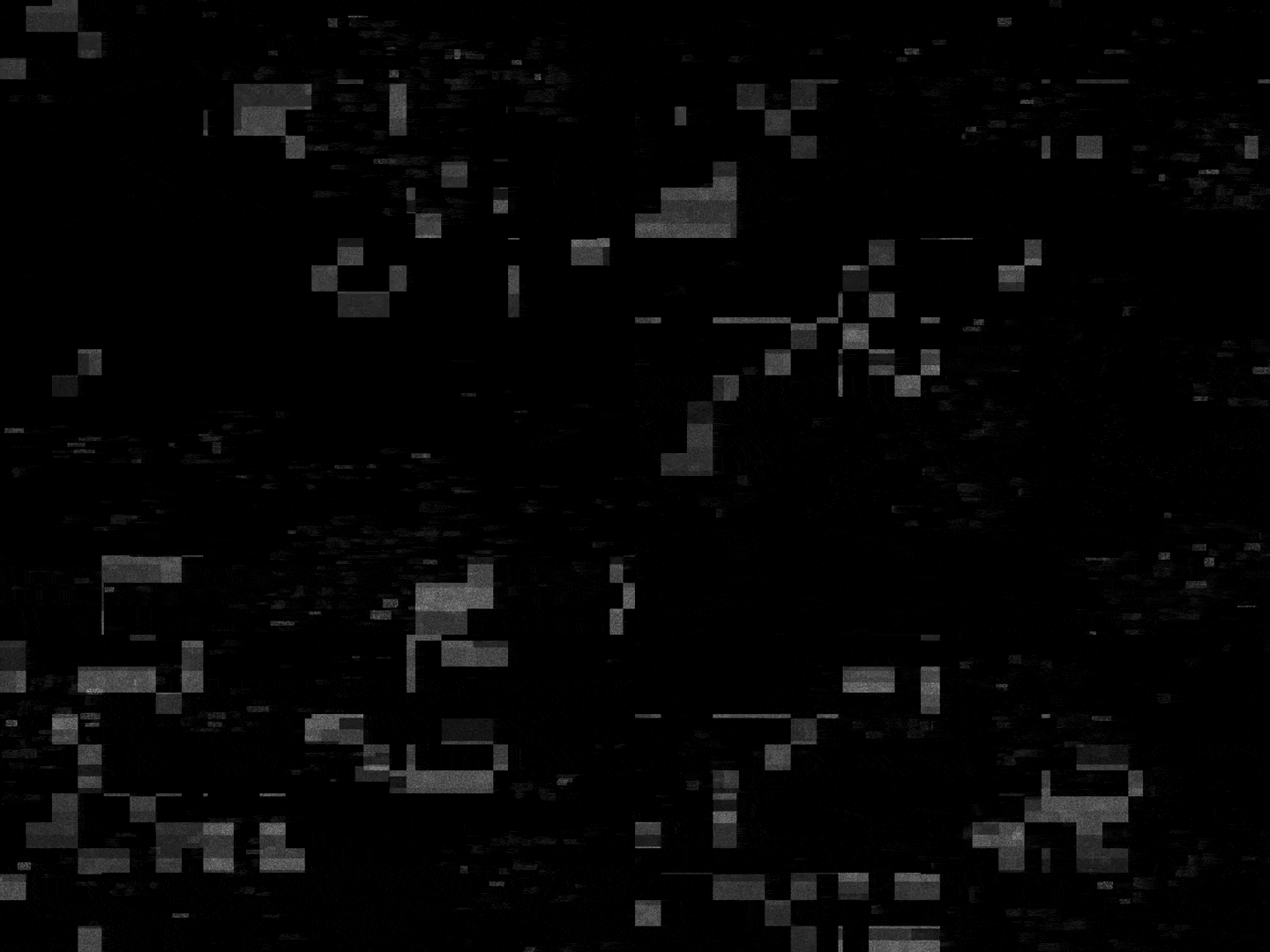
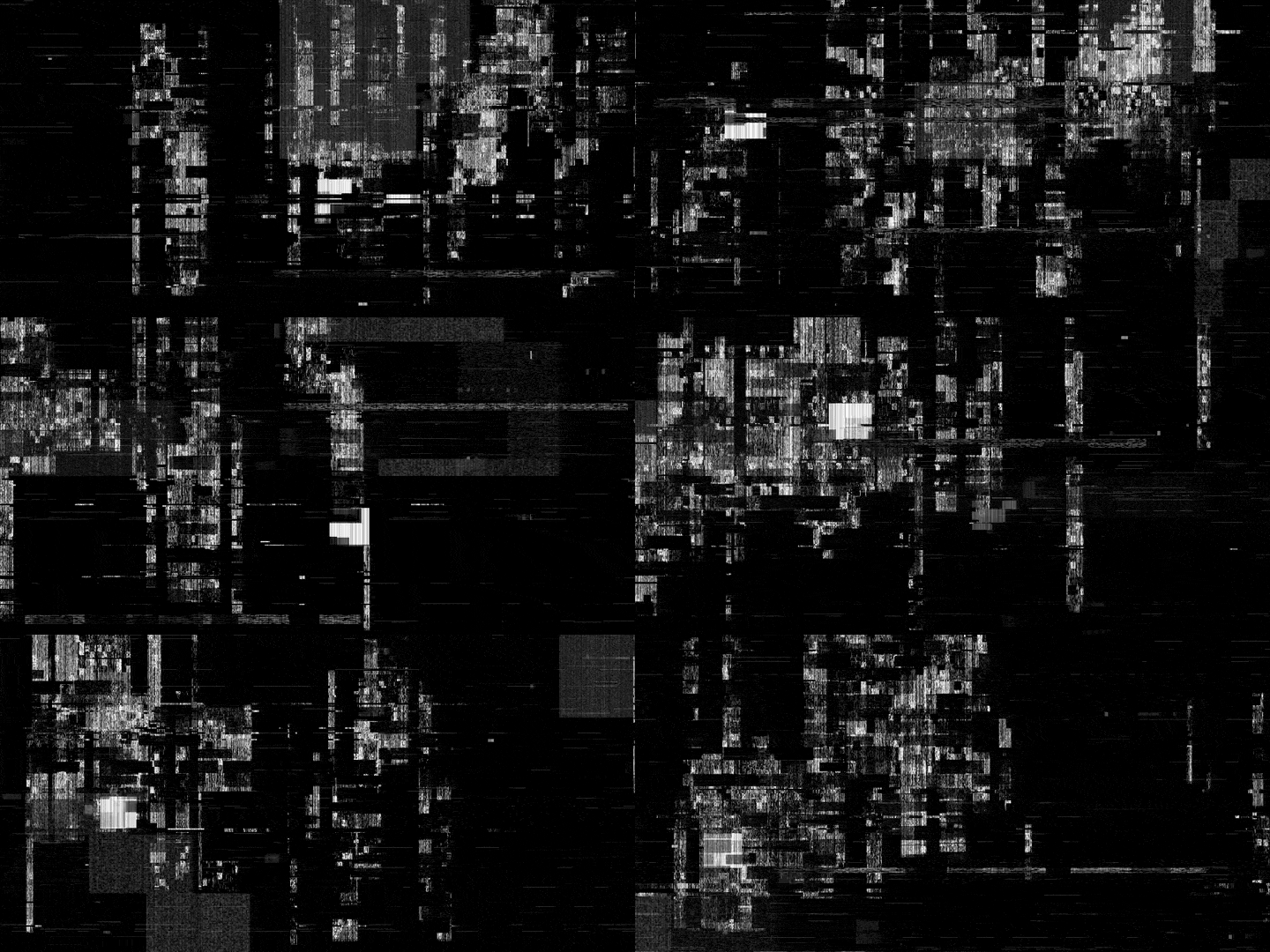
- Displacer Pro | This is how you create the glitch effect, together with an animated noise map. Co-Pilot's can download my noise map creator, made with Houdini.
- Detail-Preserving Upscale | was used on Seedance 2.0 720p video clips to increase scale.
- Boombox Studio | For sound FX with the logo animation. Great plugin for sound effects, works for both After Effects and drag 'n drop into Davinci Resolve...
Davinci Resolve Studio Plugins
- AI CineFocus | Built in with Studio, you can add realistic DOF (Depth Of Field) and bokeh to AI video clips, we did this with the helmet.
- AI Super Scale | Also built in with Studio, you can easily just click on x2 Enhance for a better looking, larger video.
- Film Look Creator | Built in. Great free substitute for expensive plugin Dehancer Pro. Add grain, vignette, bloom, flicker etc. for a more filmic look. You add it on the Color page, search for in in Effects, drag it onto a node and tweak. Click Shift + F for half fullscreen of video and tweak the parameters.
Pipeline (short)
- Concept + kill the oversized idea
- Image storyboard in Luma
- Start/end frames (GPT Image for controlled edits)
- Seedance 2.0 shots (multi-platform credits)
- Song + voice in Suno
- Assemble + upscale in Resolve
- Glitch pass in AE
- Origami F logo in Houdini
- Final noise/color pass, render out from DaVinci Resolve
- Create different formats for SoMe
📌 What we’d tell ourselves next time
- Scope to a shippable length early
- Separate “pretty agent chaos” from controlled video direction
- Lock music sooner — it decides rhythm
- Don’t pay annual for every tool while the stack is still moving
Mattias (Creative Direction, Editing, 3D/2D):
Macbook Pro M4 Max
Linux PC with RTX 5090
Andreas (Creative Direction, Design):
Macbook Pro
Software
Cursor Pro - submit AI agents to prompt and connect to AI services via MCP
ComfyUI - If you have a good graphics card, you can do almost everything AI cheaper locally. If you don't, you can run Comfy Cloud for credits.
Davinci Resolve Studio - Free gets you far, you can do anything. Studio makes it smoother.
After Effects - If you don't already use it, I would just stay with Davinci and skip subscription.
Affinity - best free alternative to Photoshop/Illustrator
Houdini Indie - maybe hardest to learn 3D software, but also the best. Very easy to follow tutorials, cheap Indie version compared to Maya or Cinema 4D and you can connect with MCP to Houdini and control it with Cursor Pro AI.
AI Services
comfy.org - the greatest, but also most complex AI service. Easy to use with Cursor Pro, you can even let AI agents install and manage everything for you through MCP, locally.
fal.ai and kie.ai - if you want to save money, connect to these with Cursor Pro and generate through them with MCP.
lumalabs.ai - board creation with AI built in, great for planning and teamwork storyboards
higgsfield.ai - great services and workflows for creating AI videos, can connect with Cursor Pro with MCP
weavy.ai - good node based AI service, but does not have MCP
Noise Maps
The way to create good glitchy text animation in After Effects is a combination of two things. A displacement plugin and an animated noise map (or several). We use Displacer Pro, which is free. We're also providing two noise map videos for Co-Pilots in project files.